
My Phone Says Storage Is Full. But I Have Plenty of Cloud Storage!
Two kinds of storage, two different jobs
Your phone says its storage is almost full. But you pay for extra iCloud or Google storage, so how can that be right?
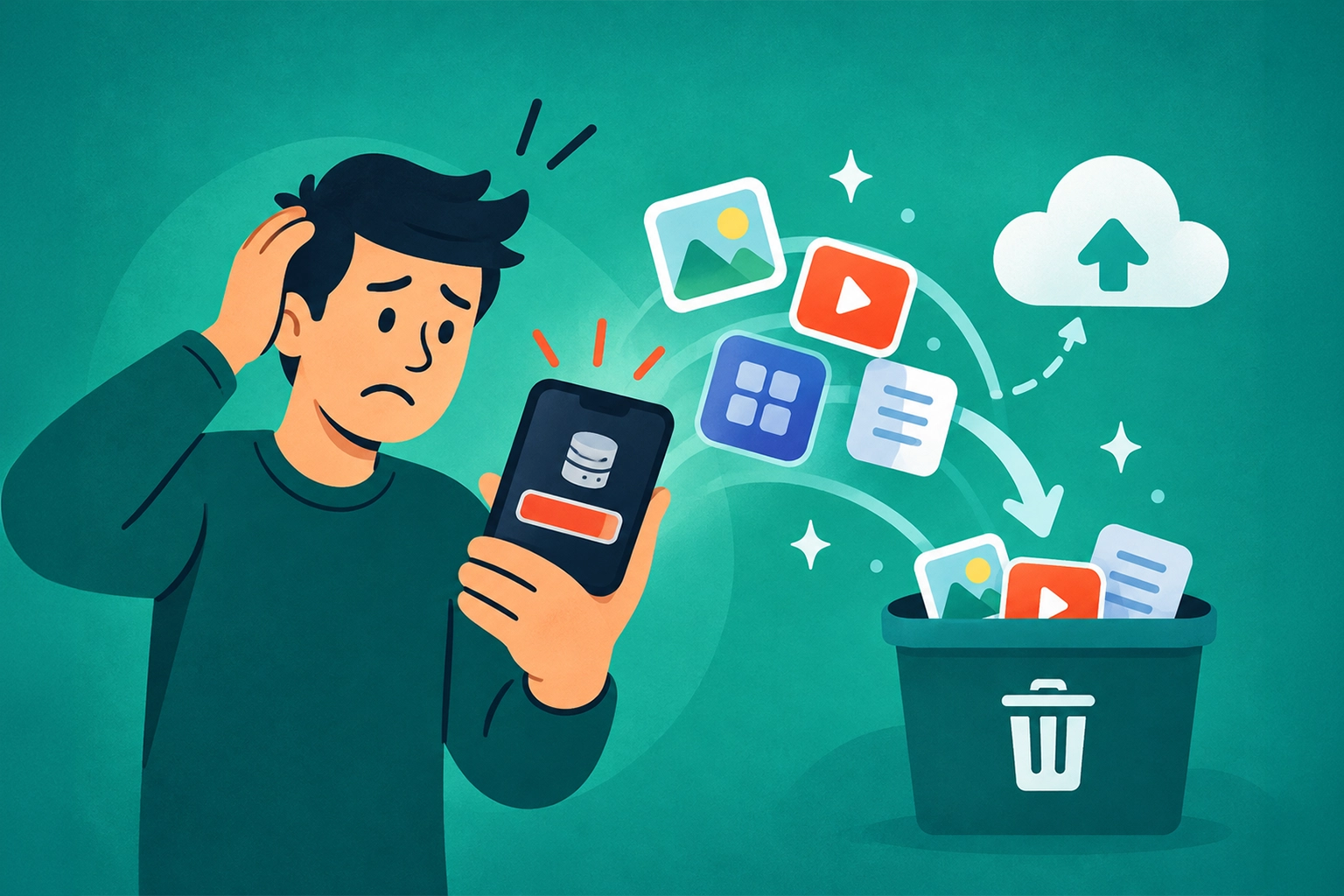
Your phone's storage and your cloud storage are separate things. Apps, downloaded movies, messages, photos, and other files take up space inside your phone. Cloud storage is space in an online account.
Buying more cloud space does not make the storage built into your phone any bigger. Even files saved online can take up room if you keep downloaded copies on the phone.
Find out what is taking up space
On an iPhone, open Settings > General > iPhone Storage. On Android, look for Storage in Settings. The exact menu varies by phone.
Check the biggest categories first. A few downloaded movies or large videos may be taking up more room than dozens of small apps.
- Downloaded entertainment: Remove movies, music, or podcasts you no longer need offline using the app that downloaded them.
- Unused apps: Review your phone's recommendations. On iPhone, offloading an app removes the app itself while keeping its documents and data.
- Photos: With iCloud Photos, Optimize iPhone Storage can keep smaller copies locally and full-size originals online. Google Photos has a Free up space feature for photos already backed up.
Check before deleting photos
Deleting is not the same as freeing up a local copy. With iCloud Photos, deleting a picture also removes it from iCloud and your other synced devices. In Google Photos, the normal Delete or Trash action can also remove the cloud copy. Its Free up space feature removes local copies of photos already backed up while keeping them in Google Photos.
Confirm that your photos are backed up and understand the option you are using before removing anything. If you are unsure, start with downloaded entertainment instead of irreplaceable pictures.
Need a Hand With This?
If this issue is still eating up your time, I can help you sort it out and get your tech working again.