
Quick Tip: Restarting Fixes More Than You Think
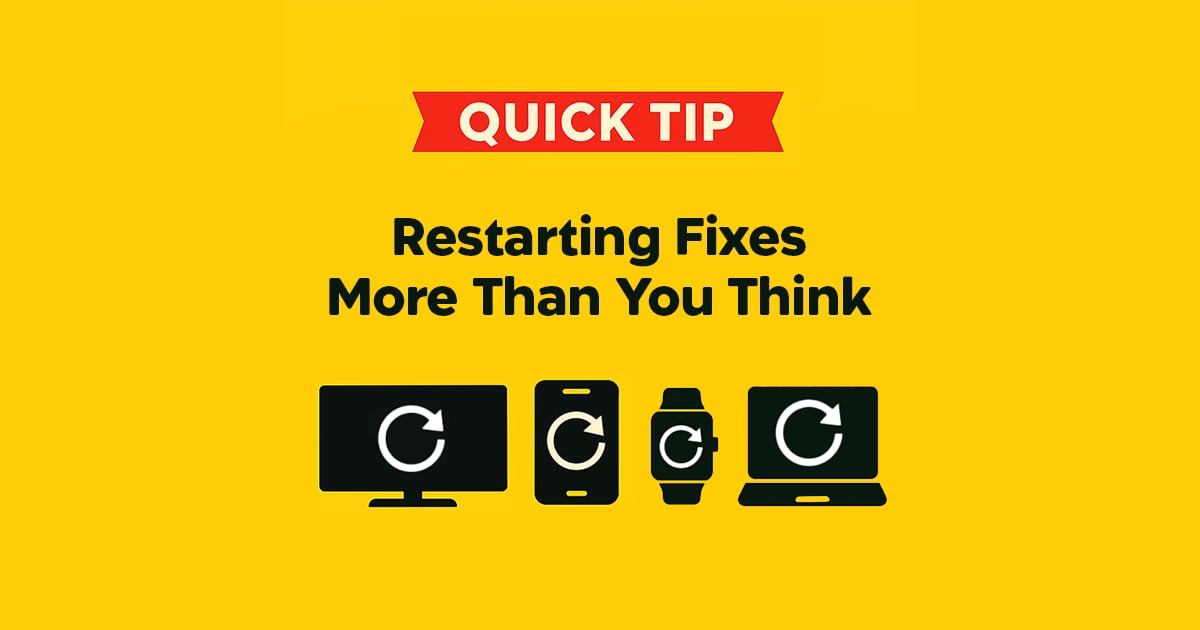
Why restarting works so often
You would be surprised how many tech problems get fixed with a simple restart. Restarting is the first fix in the Digital Handyman playbook because it clears temporary glitches, refreshes memory, and gives devices a chance to reconnect properly.
Think of it like a power nap for your tech. It is quick, simple, and often enough to get things behaving normally again.
What you can restart and why it helps
- Smart TVs: Helps with laggy menus, missing apps, and sound problems.
- Phones and tablets: Speeds things up, fixes app crashes, and reconnects Bluetooth devices.
- Streaming sticks: Clears buffering, stuck apps, and random playback bugs.
- Wi-Fi routers: Reconnects dropped devices and can improve slow or unstable internet.
- Smart plugs, cameras, and speakers: Helps them pair again with the app or Wi-Fi.
- Computers: Lets updates finish, clears frozen programs, and often improves speed.
Do a real restart, not just sleep mode
If something is acting up, fully restart the device instead of just turning the screen off or letting it sleep. On Windows computers, a restart actually resets the system more completely than a normal shutdown because of a feature called Fast Startup. A proper restart gives the system a real reboot, which is where the fix usually happens.
If restarting did not solve it, that usually means the issue needs a little deeper troubleshooting. That is where the next set of fixes comes in.
Need a Hand With This?
If this issue is still eating up your time, I can help you sort it out and get your tech working again.