
Why Does My TV Say "No Signal" When Everything Is Plugged In?
The TV may be looking in the wrong place
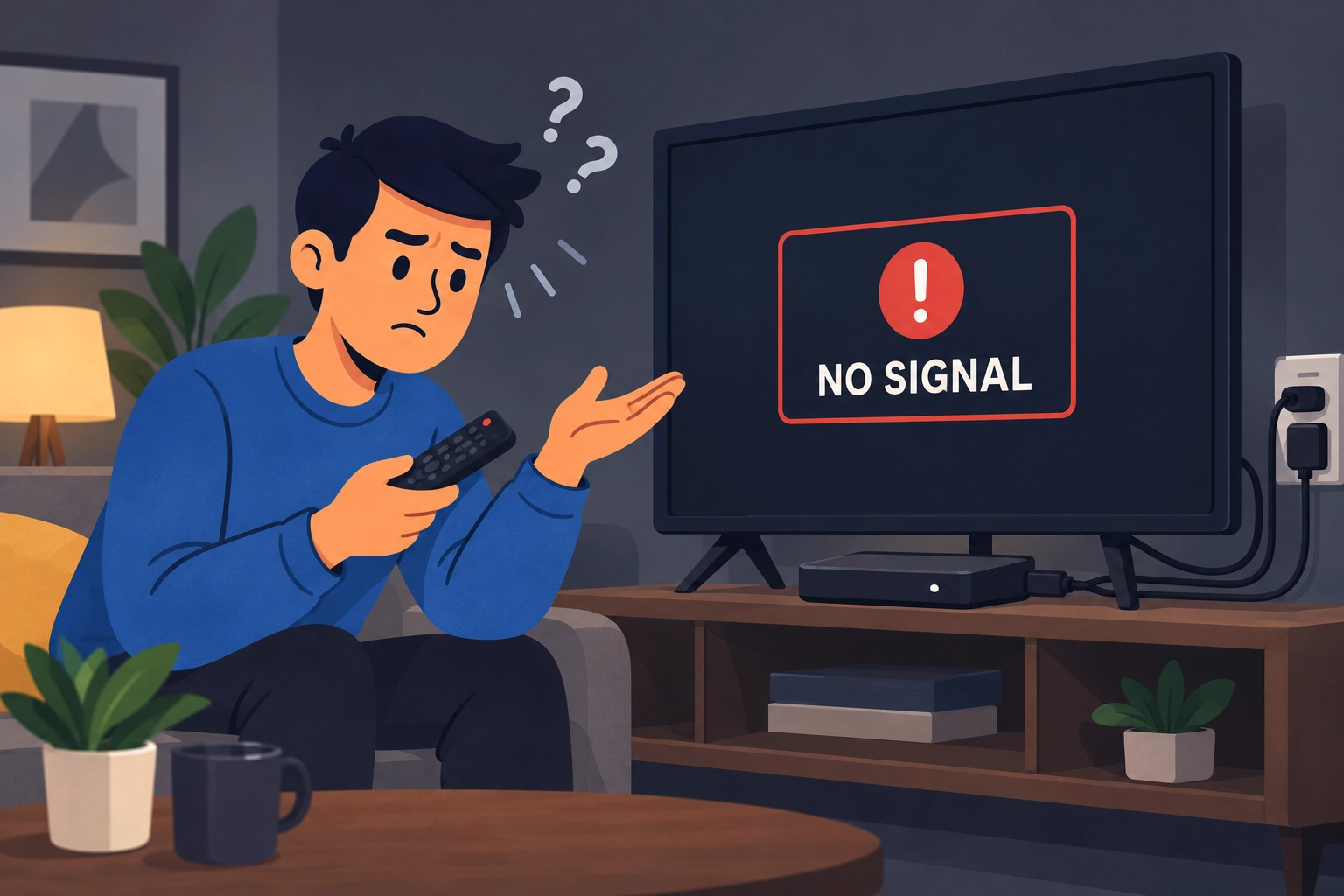
You turn on the TV, grab the remote, and get two frustrating words: No Signal. Everything looks plugged in, so what went wrong?
That message usually means the selected input is not receiving a picture. It does not automatically mean the television is broken.
Your cable box might be plugged into HDMI 1, while your streaming player uses HDMI 2. If the TV is looking at the wrong input, it cannot show the device you want.
Match the input to the device
Look for Input or Source on the TV remote. Some TVs put this choice in the Home menu instead.
Check the label beside the HDMI socket your device uses, then choose that input on the screen. If you want a built-in streaming app, open it from the TV's Home menu rather than selecting an empty HDMI input.
Still no picture? Check these next
- Turn on the connected device: Switching on the TV does not always wake the cable box or streaming player.
- Check power: A streaming stick may need its own power adapter. Being plugged into HDMI alone may not be enough.
- Check the HDMI cable: Make sure both ends are seated firmly. Turn the equipment off before moving cables.
- Restart the connected device: Use its restart option or follow its instructions for a power restart.
- Try another cable or HDMI port: If you change ports, select the matching input again.
Work through one change at a time so you can tell what helped. The useful first question is not "Is my TV broken?" It is "Which device is this input supposed to show?"
Need a Hand With This?
If this issue is still eating up your time, I can help you sort it out and get your tech working again.