
Why USB Cables Are So Confusing
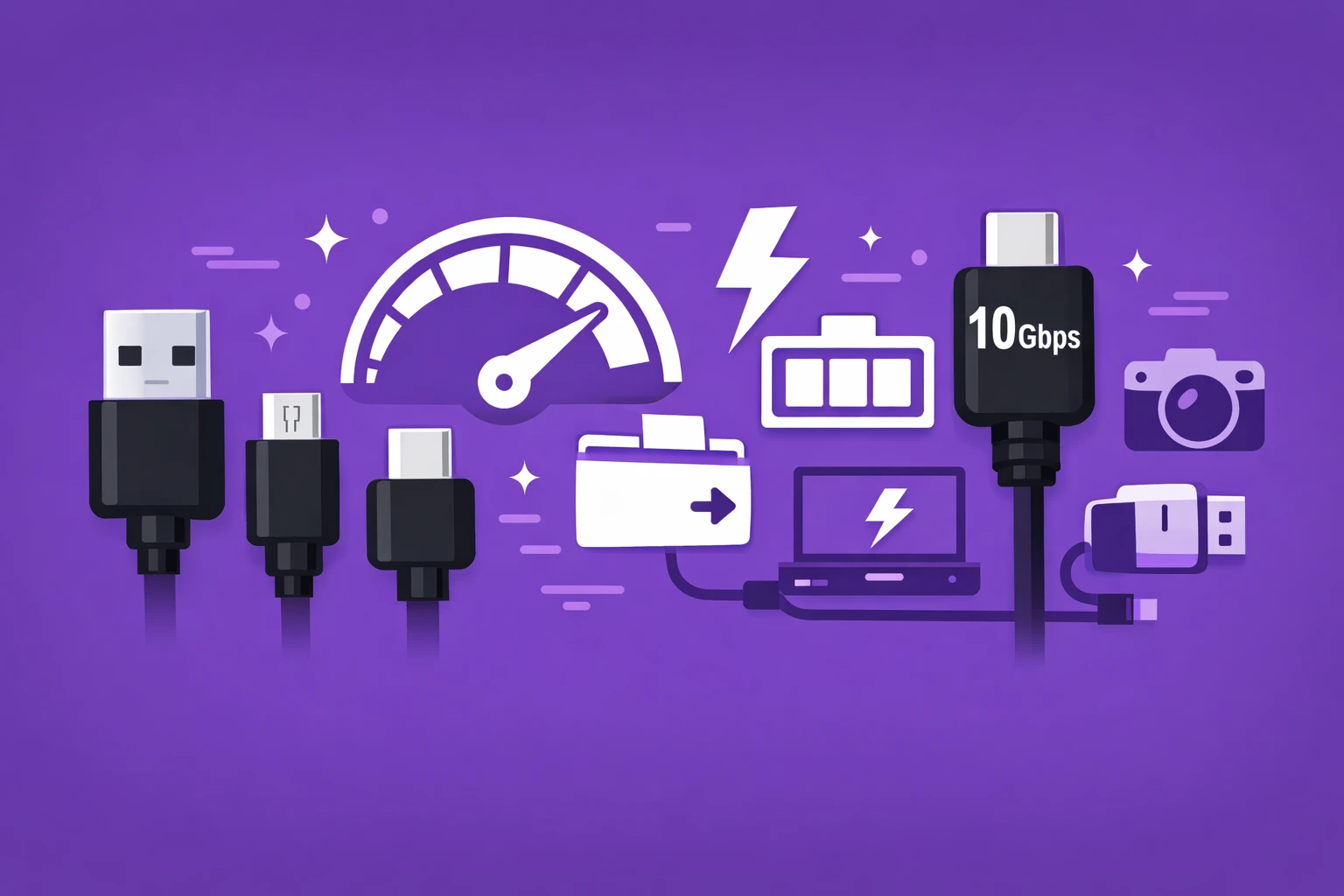
Why this feels so confusing
Ever grab a USB cable and wonder why it will not charge your device properly, or why transferring files takes forever?
You are not alone. USB cables have gotten confusing over the years. The good news is you really only need to pay attention to three simple things.
1. The shape of the plug
This part just tells you whether the cable will physically fit.
- USB-A: The older big rectangular plug that many chargers and computers still use.
- USB-C: The newer small oval plug that goes in either direction.
If your phone, tablet, or laptop is newer, there is a good chance it uses USB-C.
2. The speed
Some cables move data much faster than others.
- Basic USB cables: Usually fine for charging a device or connecting a mouse or keyboard.
- USB 3 or higher cables: Better when you are moving photos, videos, or files to and from an external drive.
If file transfers feel unusually slow, the cable itself may be the problem.
3. The power
Not all cables charge devices at the same rate.
- Basic charging cables: Fine for small devices and slower charging.
- Higher-power cables: Better for fast charging, tablets, and laptops.
Look for labels like Power Delivery or PD, or a higher wattage rating if you want faster and more reliable charging.
The simple rule
If you want one cable that works for almost everything, look for a USB-C cable that supports fast charging and data transfer.
It may cost a little more, but it will handle phones, tablets, laptops, and file transfers with a lot less frustration.
And here is the tricky part: two USB cables can look identical but work very differently. If something seems slow or will not charge properly, the cable itself might be the reason.
Sometimes the easiest tech fix is simply trying a better cable.
Need a Hand With This?
If this issue is still eating up your time, I can help you sort it out and get your tech working again.