
Why Won't My Bluetooth Headphones or Speaker Connect?
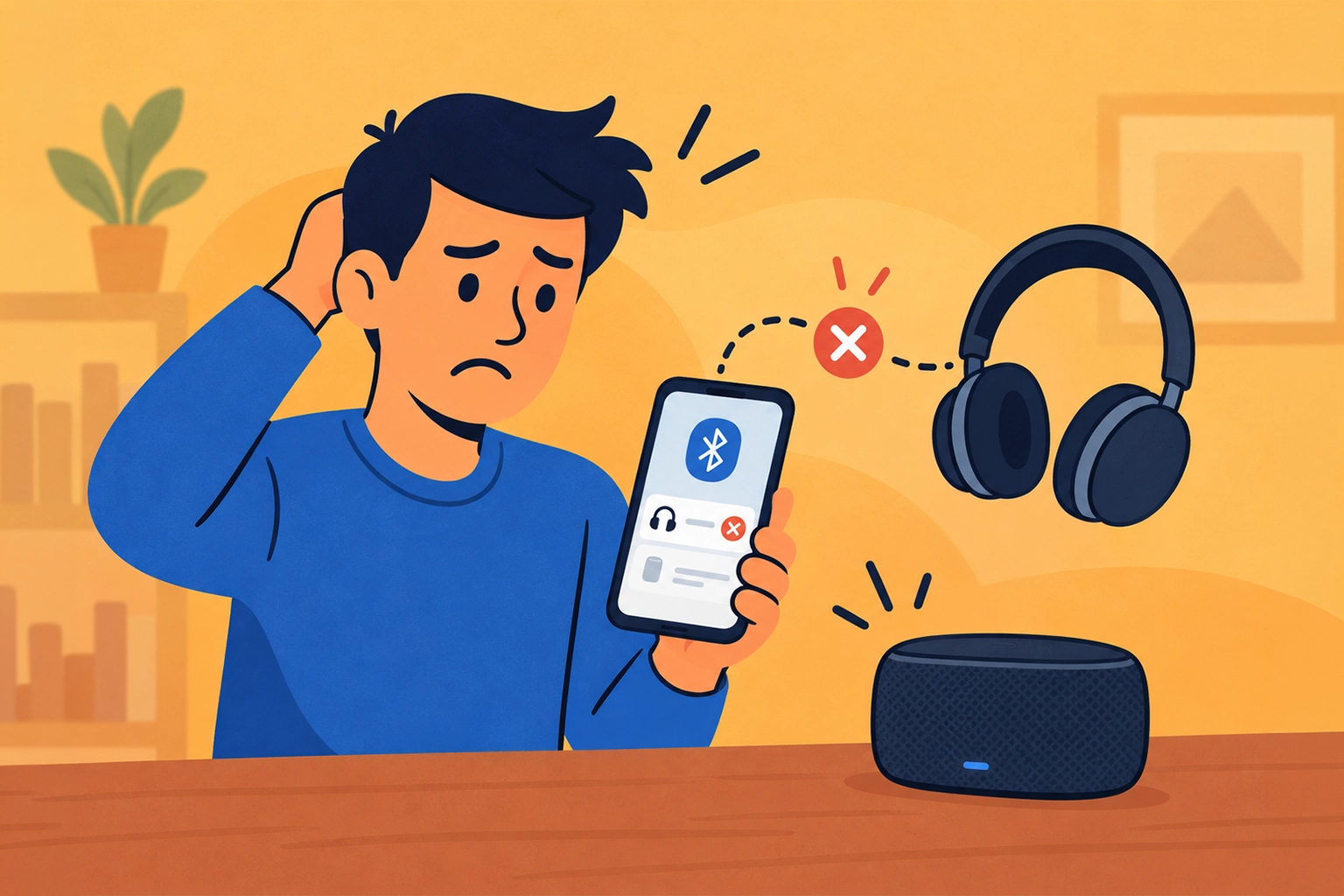
Paired does not always mean connected
Your headphones appear in your phone's Bluetooth list, but there is no sound. Or your speaker worked yesterday and refuses to connect today.
Pairing means the devices remember each other. Connecting means they are communicating right now. A saved device can still be switched off, out of range, or connected somewhere else.
Your headphones may have reconnected to your laptop instead of your phone. Some devices handle more than one connection, but others only use one at a time.
Start with power and nearby devices
- Charge it and turn it on: A low battery can interfere with pairing or keeping a connection.
- Move it close to your phone: Start nearby while troubleshooting rather than across the room.
- Check the last device it used: Disconnect it there, or briefly turn Bluetooth off on that device, then try your phone again.
- Select it in Bluetooth settings: If it is already saved, tap its name to reconnect. Also check that Bluetooth is turned on.
For a new connection, use pairing mode
Turning a speaker or headphones on is not always enough to make them discoverable. You may need to hold a pairing button until a light flashes or you hear a prompt.
The button and timing vary, so check the device's instructions. Then look for its name in your phone's Bluetooth settings and select it.
Still stuck? Pair it again
First, turn your headphones or speaker off and back on, then try connecting again.
If that does not help with a previously saved device, use Forget, Unpair, or Remove in Bluetooth settings, then put the accessory into pairing mode and reconnect. You will need to set up that connection again.
If it says Connected but sound still comes from your phone, check the audio output selection and both volume controls. The connection may be fine even though the sound is going to the wrong place.
Need a Hand With This?
If this issue is still eating up your time, I can help you sort it out and get your tech working again.